
OTXO: live performance looper. Turn your Launchpad into a loop station!
now available
OTXO
live performance looper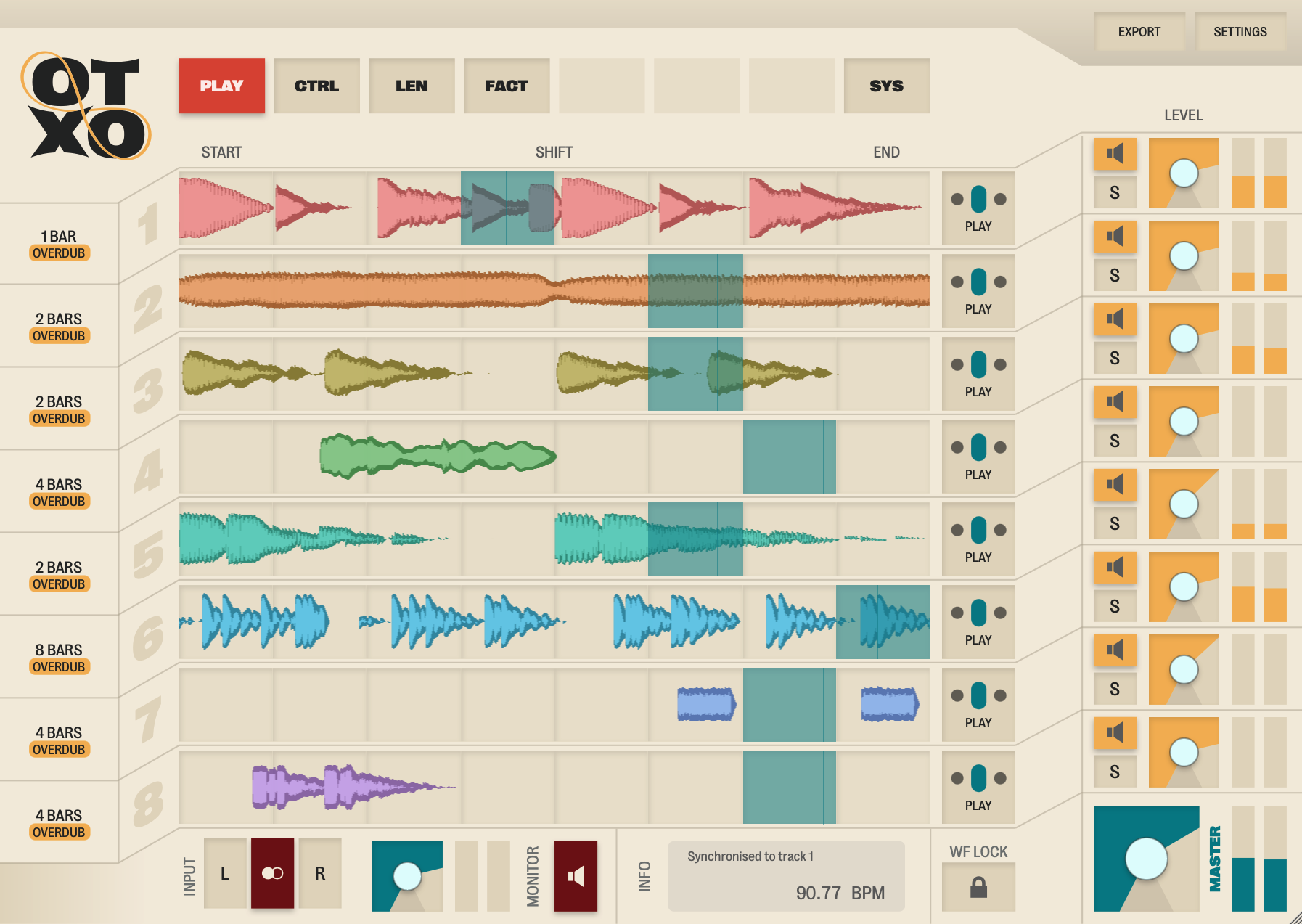
turn your Launchpad into a loop station!
record, play, and remix loops in the studio and on stage
VST/AU plugin for Windows and Mac
€ 149,-Videos
Remixing demo
SonicState interview
Features
Multi-track
8 stereo loop tracks of max. 30 seconds recording time each.Two-way sync
Synchronise looper tempo to that of the host (DAW), or vice versa.Vari-length
Tracks can be different lengths, from 16th note to 8 bars or free length. You can even use fractions to get to polyrhythmic lengths (eg. 3/4 bar, 8/7 note).Easy export
Drag-and-drop export renders all 8 loops to disc as separate .WAV files. Continue to arrangement, mixing, or just start recording more loops and variations on top.Remixing
Each loop track is divided into 8 slices - move the playhead freely, per track.Resampling
Record the output of one or more tracks into another looper track.Recover lost transients
Adjust start and end point after recording a free length loop. The tempo is automatically recomputed and, if necessary, sent back out to the host.Hands-on
Stay in the zone: all of the above options, as well as track overdub, mute and solo, are available directly from the controller.Frequently Asked Questions
- Which models Launchpad does OTXO support?
- OTXO is made for Novation® Launchpad® controllers. A lot of care has been put into making sure the looper plugin is compatible with all models. The following models have been thorougly tested:
 Launchpad S
 Launchpad Mini
 Launchpad Pro
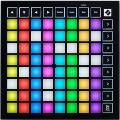 Launchpad Mini mk3
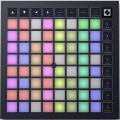 Launchpad X
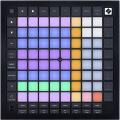 Launchpad Pro mk3
- Is support for any other controllers planned?
- No. Launchpad is the perfect form factor for OTXO, the 8x8 grid plus the row of eight on top and the column of eight to the right. If you don't have a Launchpad yet, it's a very versatile controller, and any model old or new should work with OTXO. Everything in the looper that is not a push button, such as a volume control, start and end points, loop rotate, are all midi bindable from your DAW. This allows you to stay in the zone and away from your mouse and keyboard even longer.
- Why should I choose OTXO over a hardware looper?
- With OTXO,
- you can record the output of one looper track into another
- you can move the playhead freely to remix existing loop tracks
- you can export your loops directly onto disc
- Why should I choose OTXO over another software looper?
- With OTXO,
- you can send the tempo of your free length loops back to your DAW (if it supports Ableton Link)
- you can record the output of one looper track into another
- you can move the playhead freely to remix existing loop tracks
- you can export your loops directly onto disc
- you have direct control with a dedicated controller
- How many channels does OTXO support?
- A stereo track in and a stereo track out. Inside the looper are eight 30 second stereo tracks.
- Can the looper synchronise to my DAW?
- It sure can. By default, track 1 will be free length, but once you set it to a number of beats or bars, it will sync to anything you already have going in your project. So not only is it a great tool to jam and record your first loops, you can also use it to add to existing projects. One note: if you change the tempo after recording loops into OTXO, they will not be stretched to match the tempo.
- Can I make my DAW synchronise to OTXO?
- If your DAW supports Ableton® Link®, then yes. DAWs that to support this are plenty!
- Are any of the button presses quantised?
- No, the only thing that is "quantised" is that you can sync the looper tracks to eachother and to the host (DAW) tempo. If your host supports Ableton Link, you can even make the host sync to your free length loops when you record. You can make a track as short as 1/16th note, which you can use as a guiding track or a metronome - but the looper is made to be played live.
- Will the recorded loops be saved with my song file?
- They will not! It's good to know, that OTXO is just a looper still, so the recordings are not persistent. However, you can use the export button to save all 8 looper tracks to .WAV files.
- Can I load existing loops into OTXO?
- Not "loading" like you might expect, no. That's what your DAW is for. You could however, sync OTXO's tracks to your DAW tempo, send audio tracks to it, and record loops into OTXO that way. The power of OTXO is mostly around recording and creating new loops.
- Can I record a guitar/synth/mic into it?
- Any input that you can get into your DAW and run through an effect plugin, is a source you can record using OTXO.
- How does the BPM computation for a free length loop work?
- One of the very few settings you have to set in OTXO is your normal tempo range. Say between 80 and 160 BPM or between 55 and 110 BPM. Because the lower and the higher limit of what tempo your first "free length" loop should normally fall into, OTXO can compute the correct tempo and accompanying length in measures. If it would be just a bit too fast for the upper limit at 2 bars, then your recording will be interpreted at 4 bars instead. Your recording is never modified, always taken as-is.
- How does the automatic slicing work?
- OTXO slices each loop into 8 chops of equal length. This beats beat detection algorithms getting in the way. OTXO is made by humans and for humans, and as such does not try to know better than you. You're the artist, you know where the one is. There is also a midi-controllable dial in each track in the plugin that lets you rotate the cue points around.
- Where can I learn more about the operation with the Launchpad controller?
- Please refer to the manual page.
- What DAWs (Digital Audio Workstations, music making programs) are supported?
- Any DAW that can load a VST3 or AU plugin should be compatible. The following have been tested on macOS: Ableton Live, Native Instruments Maschine, Reason, Logic Pro, Bitwig, FL Studio, Renoise and MPC.
- Why is the name OTXO?
- It comes from its eight tracks. OTXO is the spanish word for eight, except written in basque. It's pronounced ocho, if you will.
- So what is all this Sine Dubio stuff, why is the website not otxo.com?
- Sine Dubio Creative Studios is the company, and OTXO is the product. There are more products planned in the future, but for now the proper release of and continued support for OTXO is our main focus.
The OTXO Software has not been sponsored or endorsed by Focusrite. Novation and Launchpad are registered trademarks of Focusrite Audio Engineering Limited in the United Kingdom, the European Union, the United States of America and other territories.
Ableton Link is a technology that synchronises beat, phase and tempo between Ableton Live and Link-enabled applications over a network, built by Ableton.